How client can send data to Vyapar TaxOne portal by there credential
Your client can send data directly into your Vyapar TaxOne portal, simply create the client account from client management section seamlessly and make most out it.
How clients can send data to the Vyapar TaxOne portal using their credentials
Step: 1 Ensure a Client ID is Created
The client must have a Client ID created from the Client Management section in Vyapar TaxOne.
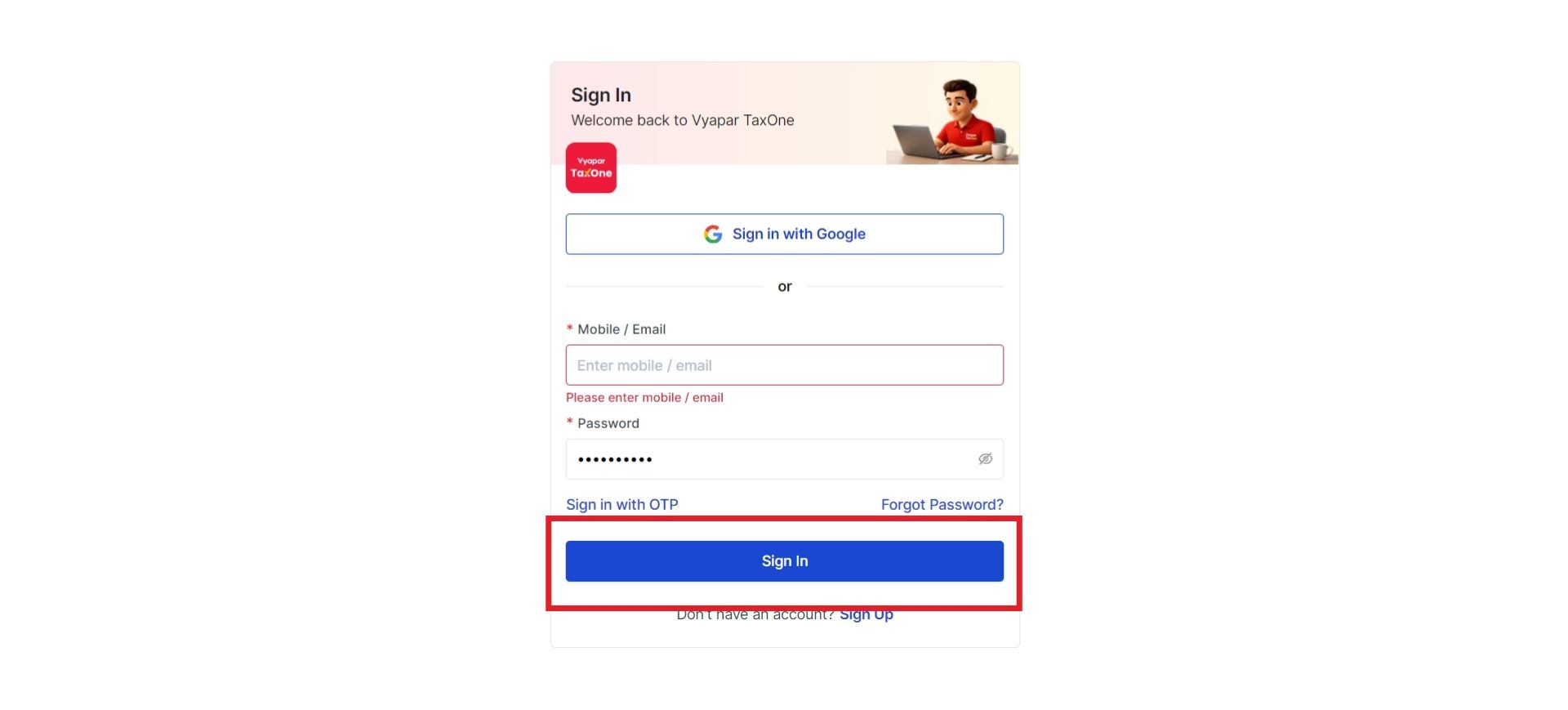
Step: 2 Login to Vyapar TaxOne.io using client Details
The client logs in using their Username and Password.
Step: 3 Access Assigned Company and Module
Once logged in, the client will see their assigned company and module on the screen.
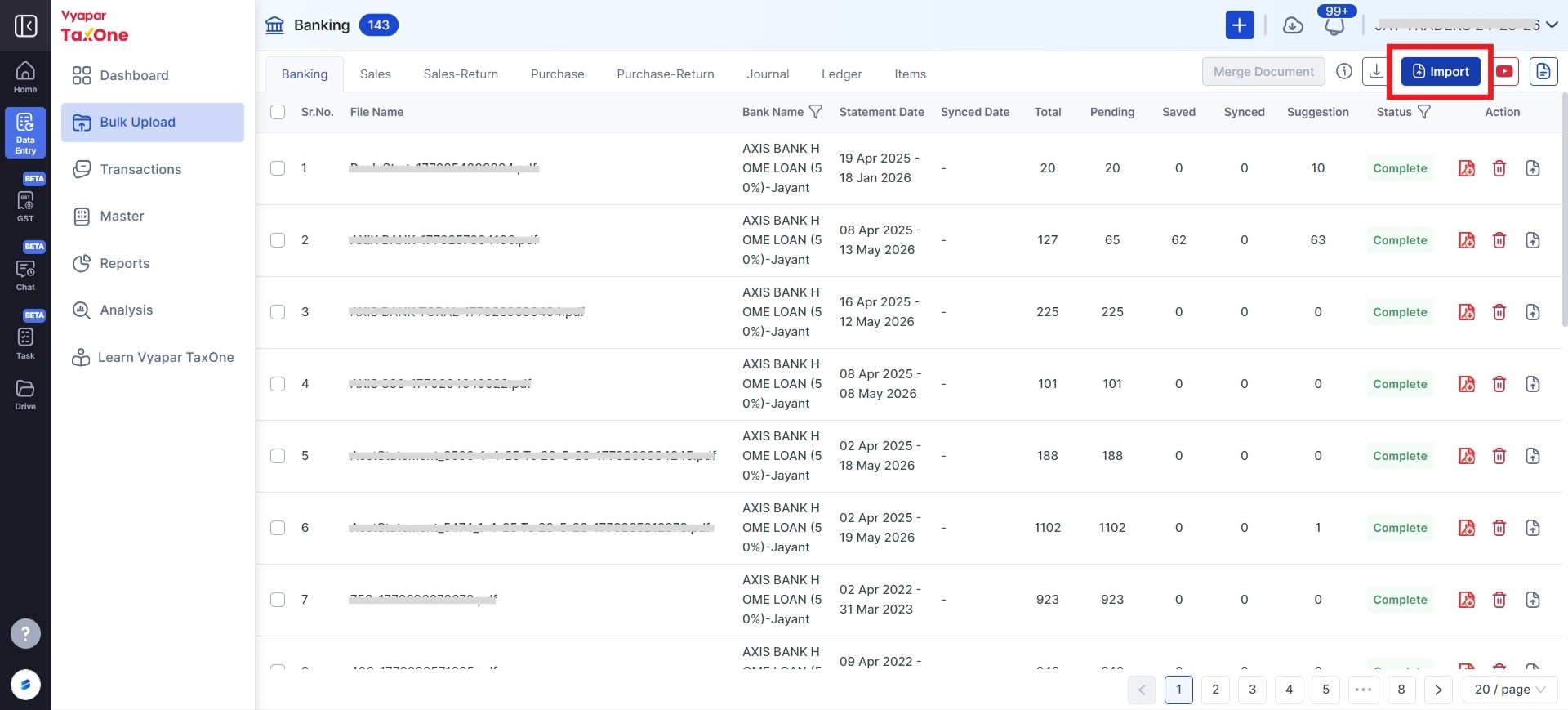
Step: 4 Import the Statement
Click on "Import Statement" and upload the required document.
Once the document is uploaded, it will be visible in your Vyapar TaxOne Banking Module under your login, and you can start working on it.