How to remove company from user account (secondary id)
Learn how to remove a company assigned to a user in Vyapar TaxOne. Follow this step-by-step guide to manage user access and keep your company list organized.
How to Remove a Company from a Secondary Account
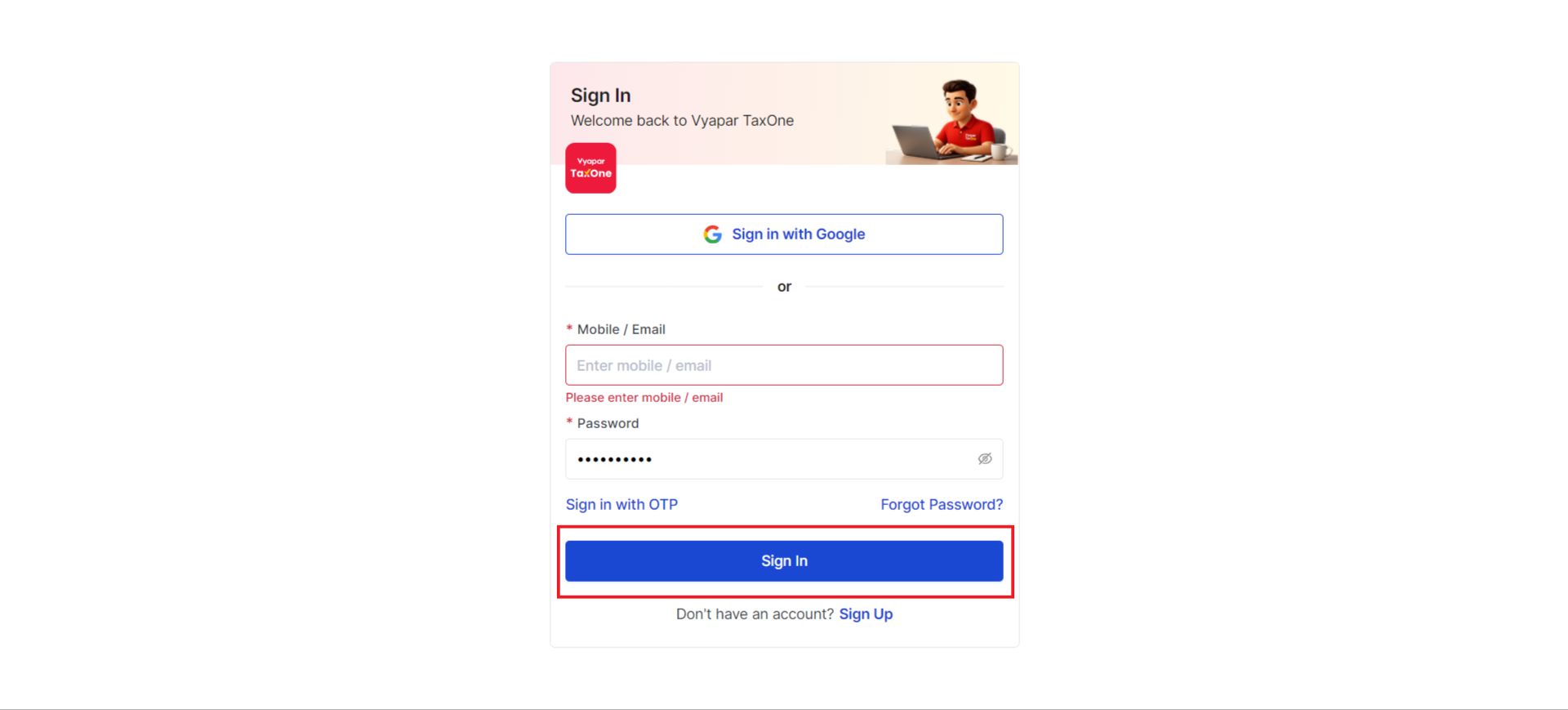
Step 1: Sign In
Login to your primary account by clicking Sign in.
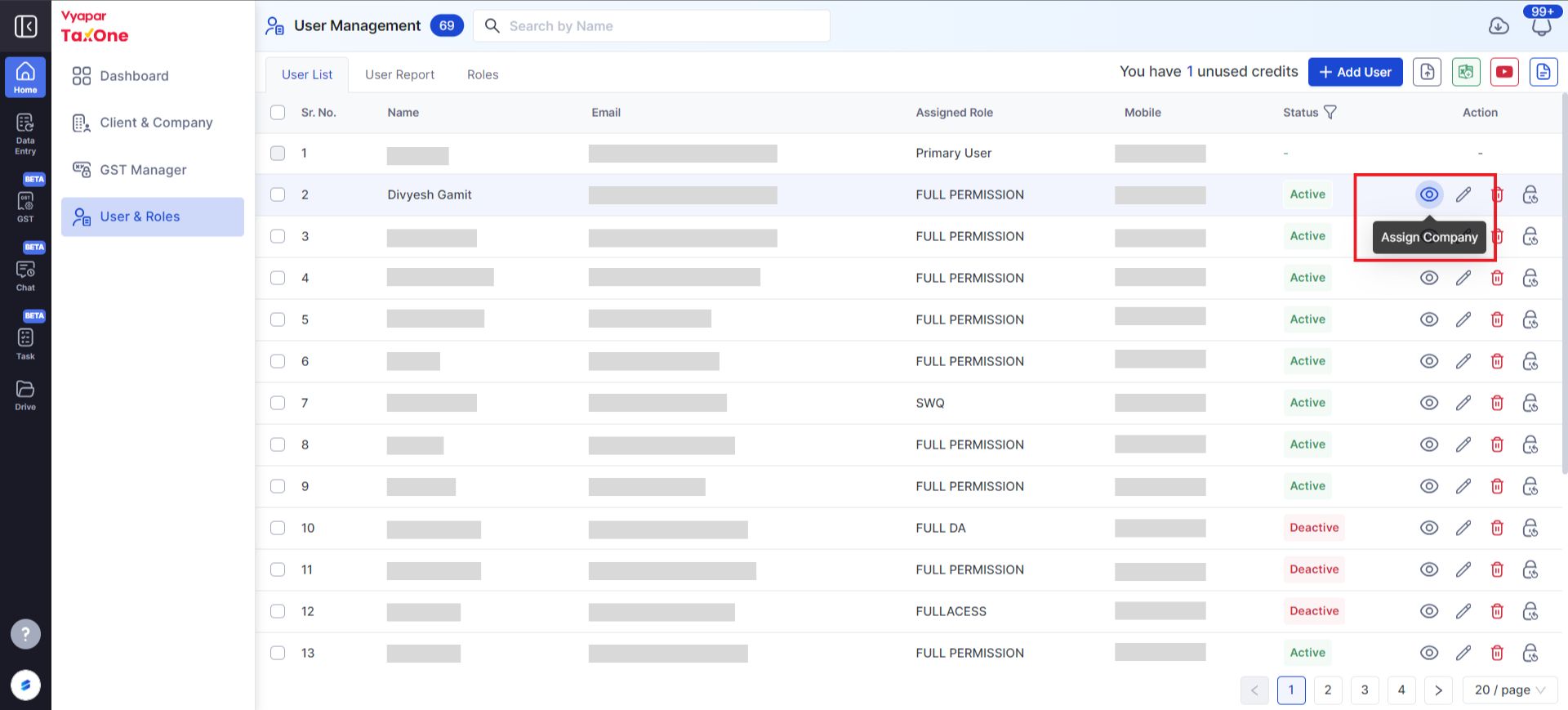
Step 2: Access User Management
Navigate to User Management to view the list of users.
On the right-hand side, locate the eye icon under the Actions column and click on it.
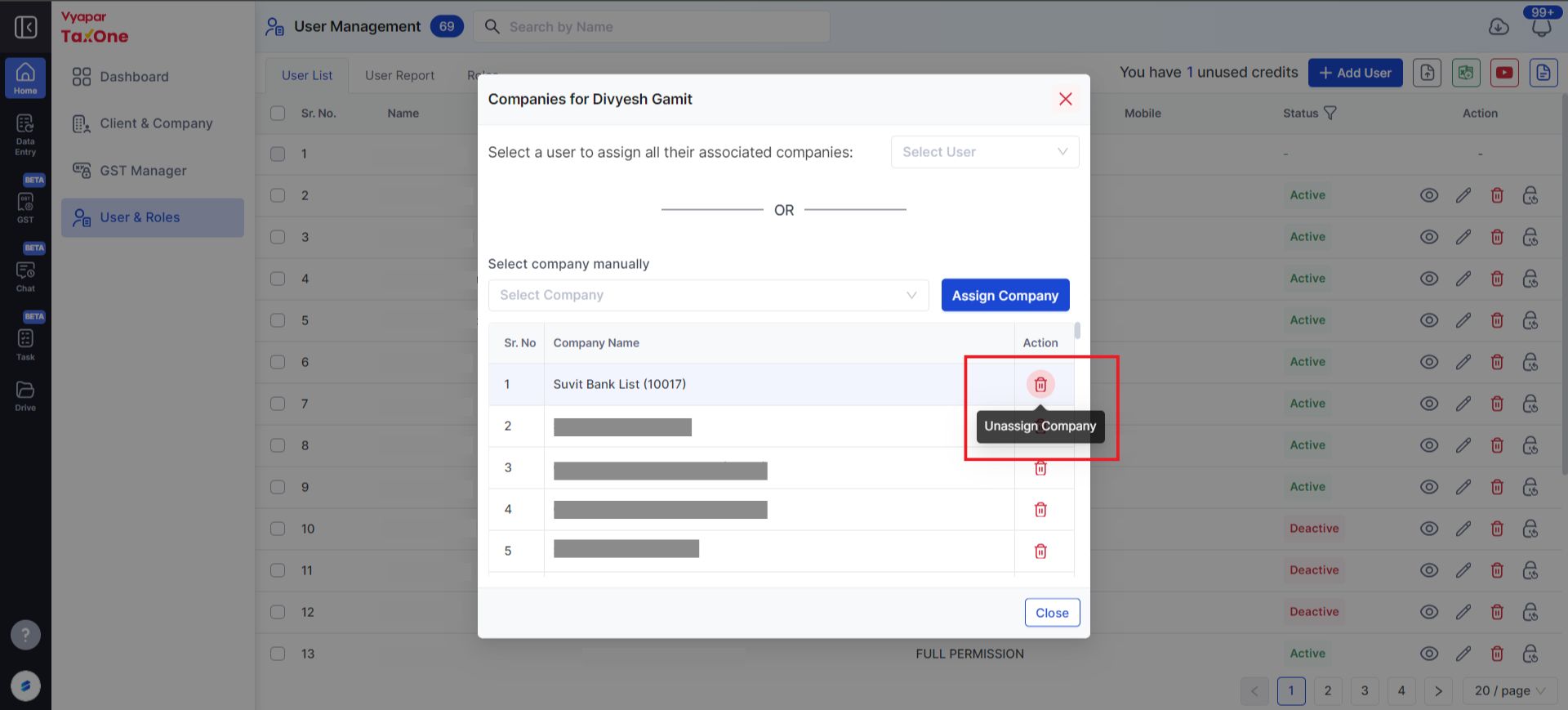
Step 3: Remove the Company
In the list, under Actions, click the delete icon next to the company you want to remove.
After refreshing, the company will be removed but retained in the primary account.