
When you have recently subscribed a new company and uploaded any document, if you get such error, it means Vyapar TaxOne is not able to find the ledgers of your tally.
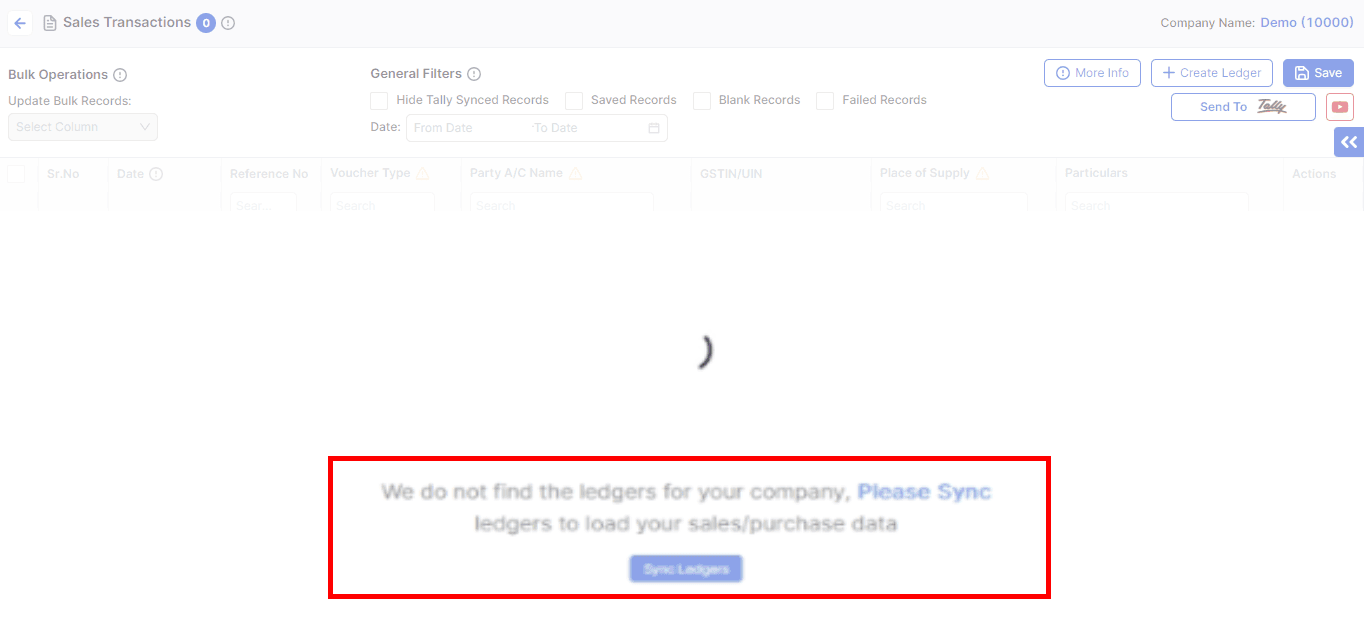
Visit the website and press CTRL + SHIFT + R to reload the page.
Your data is now loaded.
This will help sync the ledger and load your sales/purchase data properly.
AI Weapon for Financial Soldiers